Help & Guide/Connected store
Create a checkout test
Open in appAdd a Playwright flow so a broken cart is caught before shoppers.
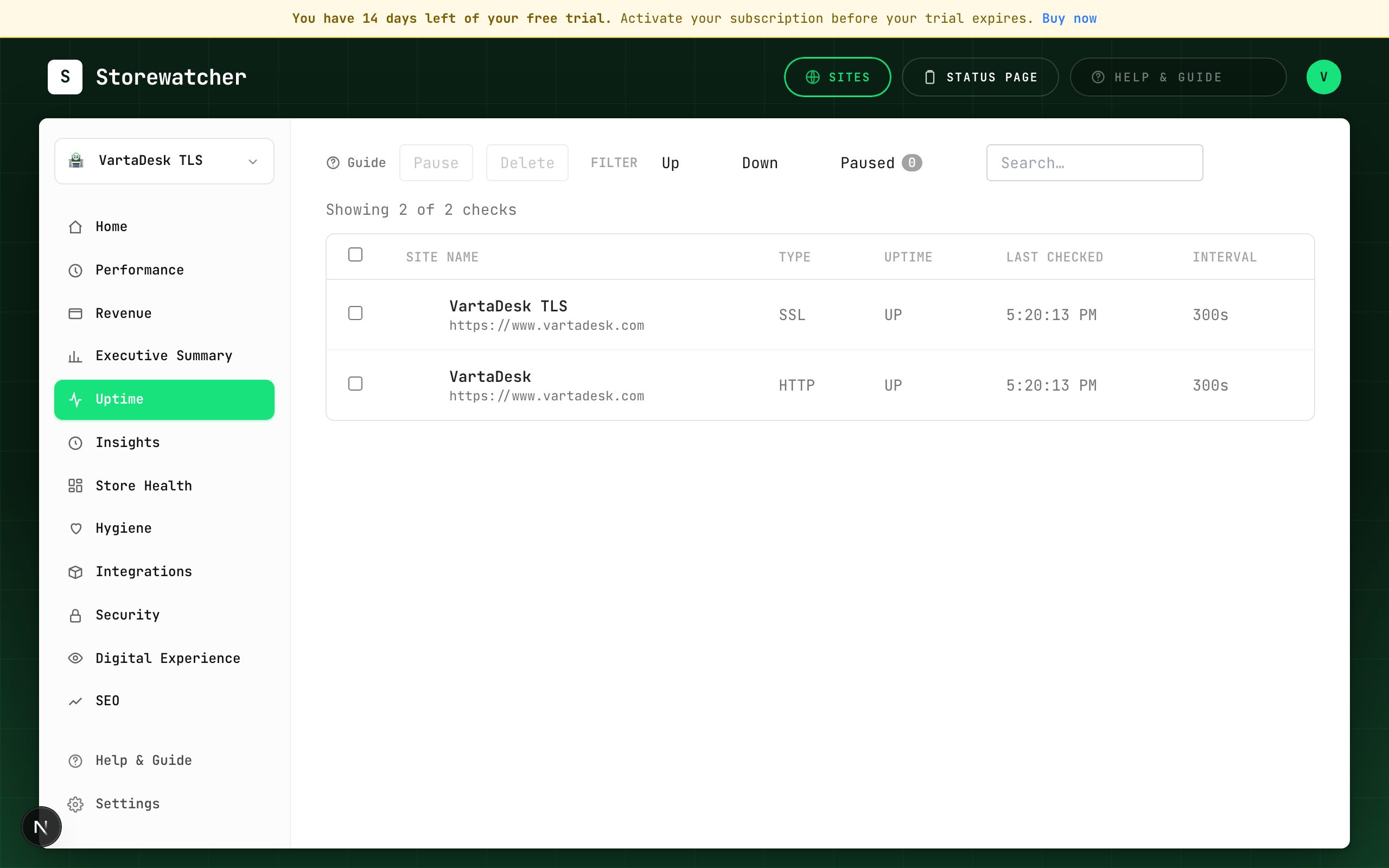
- 1Confirm the plan includes transaction monitoring (Pro / Enterprise, or trial-as-starter may still block this).
- 2Open Transactions → Create Monitor.
- 3Pick a platform template or build steps. Substitute variables for email, password, and SKU.
- 4Set frequency and save. Open the monitor after the first run for screenshots if it failed.
- 5On failure, check Insights for checkout-step cards and Ack or rerun from there when offered.
Keep the flow as short as you can while still proving add-to-cart and checkout. Long flows flake. Maintenance windows suppress alerts during deploys.
Related
- Checkout check (Woo vs Magento)Catch a broken cart on the same ~5-minute loop as uptime, with separate recipes per platform.
- Transaction MonitoringPlaywright checkout (and similar) flows on a schedule.
- Maintenance windowsSilence alerts while you deploy.
- InsightsTyped findings from detectors you already run — not a second alerting product.
Still stuck? Open a support ticket.