Help & Guide
Every dashboard section and the workflows to connect a store, watch it, and respond when it breaks.
Start here
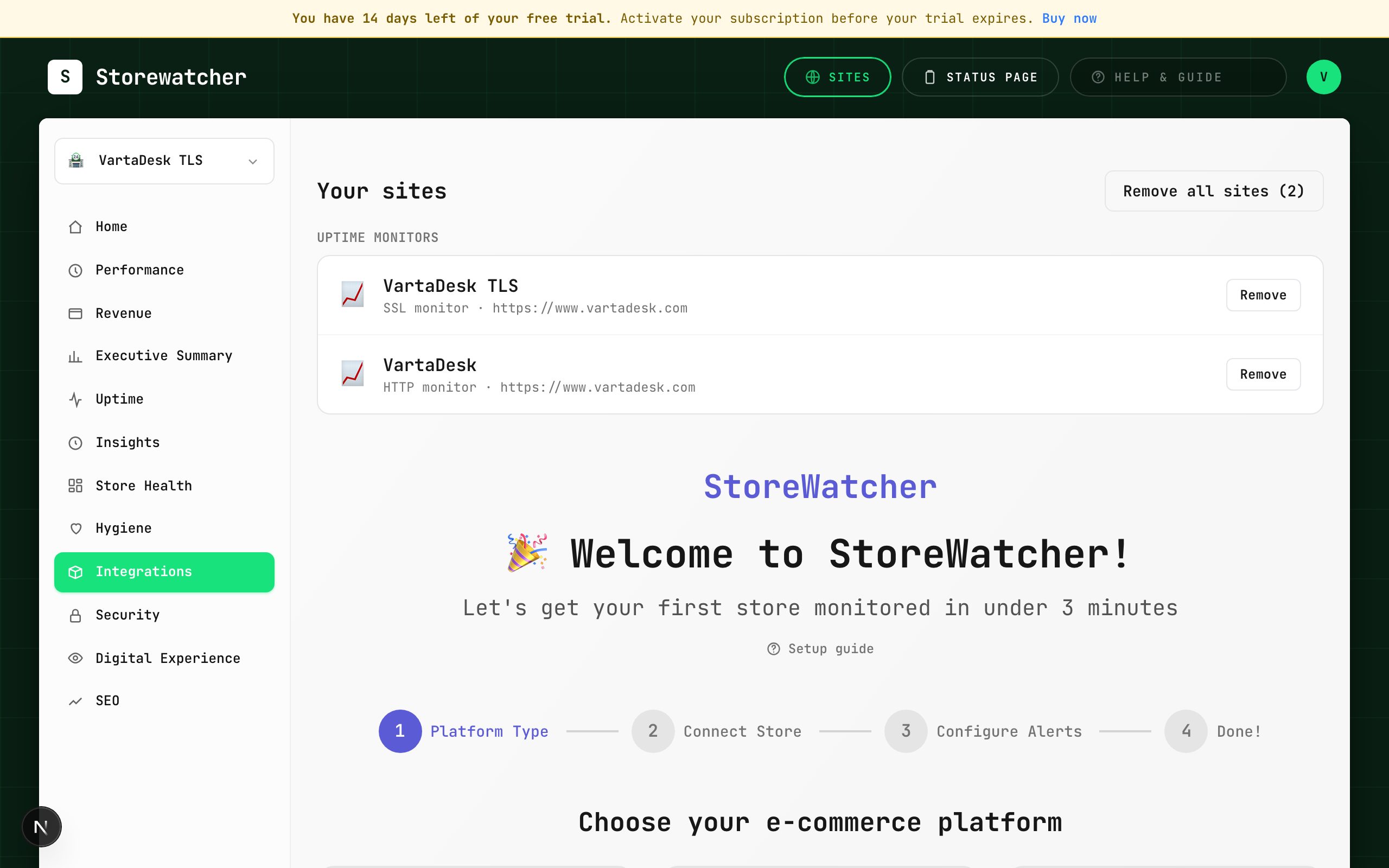
First-time setup
WorkflowFrom a new account to a store that is actually sending data.
Connect a store
WorkflowChoose a platform and complete the matching wizard.
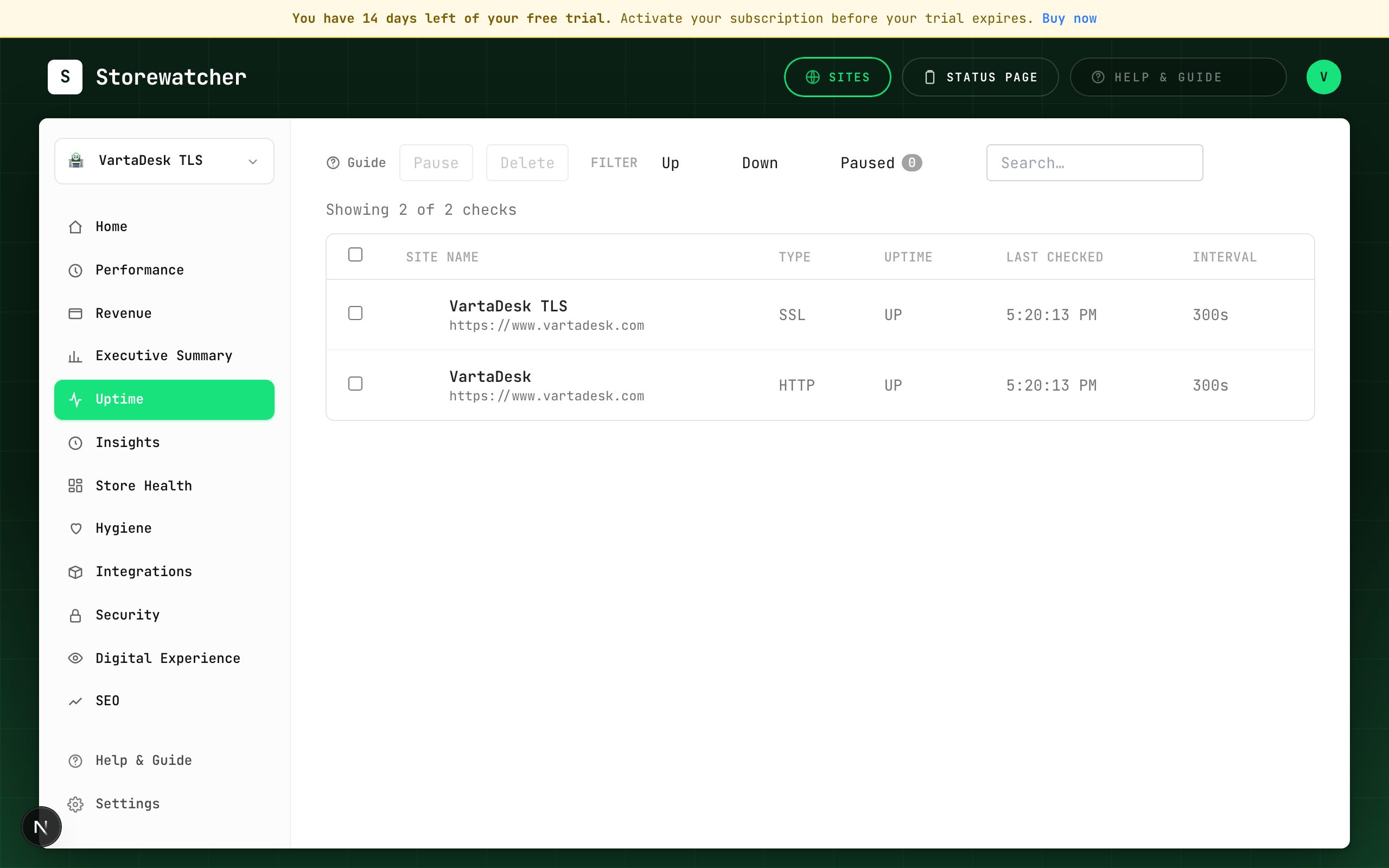
Add an uptime monitor
WorkflowProbe a URL on a schedule, independent of the store plugin.
Store Health
SectionCPU, RAM, disk, DB, and render time from the store self-check.
How origin health works by platform
WorkflowWhat CPU, RAM, disk, and load mean — and which stores can send them.
Create a checkout test
WorkflowAdd a Playwright flow so a broken cart is caught before shoppers.
Checkout check (Woo vs Magento)
WorkflowCatch a broken cart on the same ~5-minute loop as uptime, with separate recipes per platform.
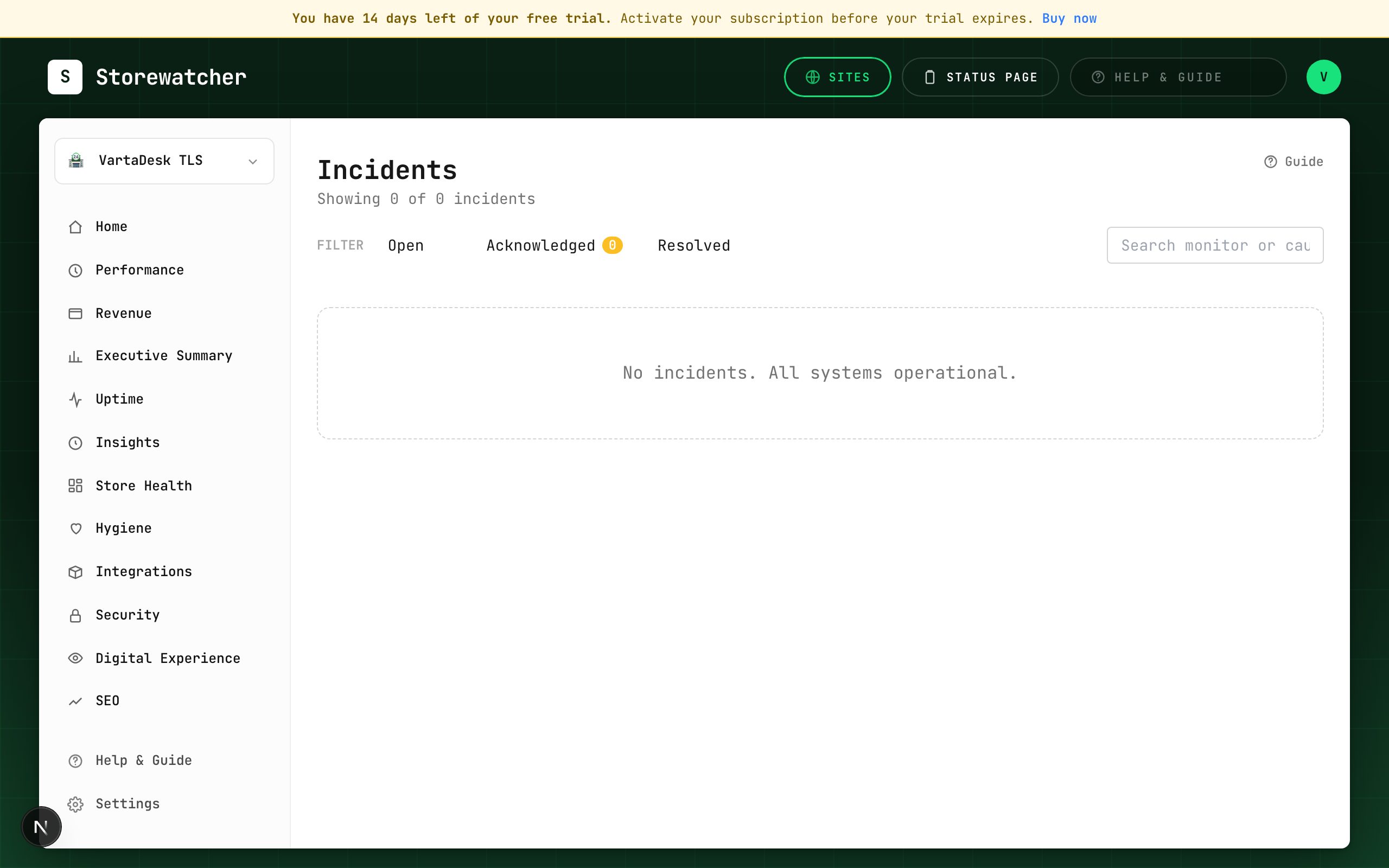
Respond to an incident
WorkflowFrom alert to ack, diagnosis, optional RCA draft, and resolve.
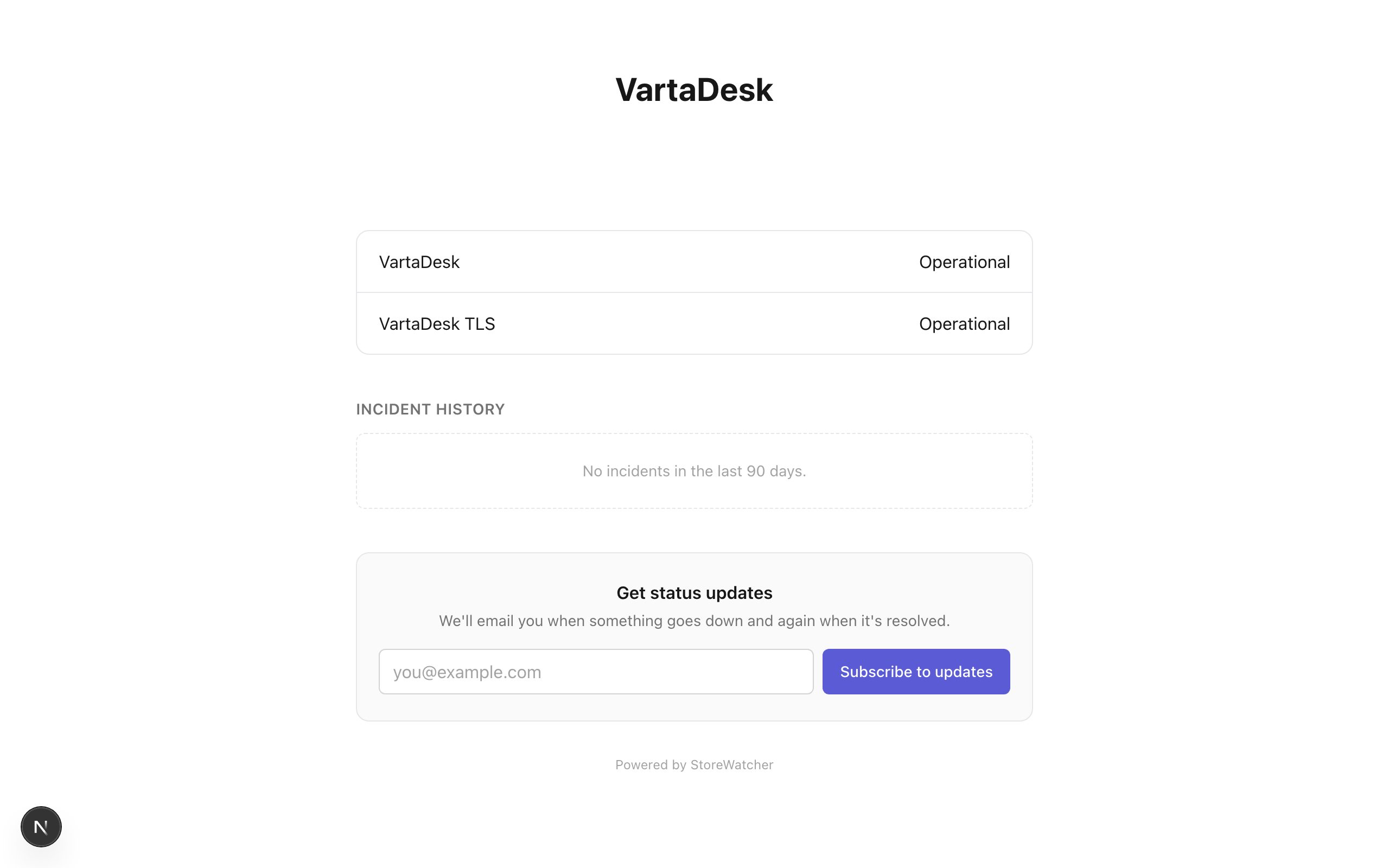
Publish a status update
WorkflowOptional AI draft, then a human publishes.
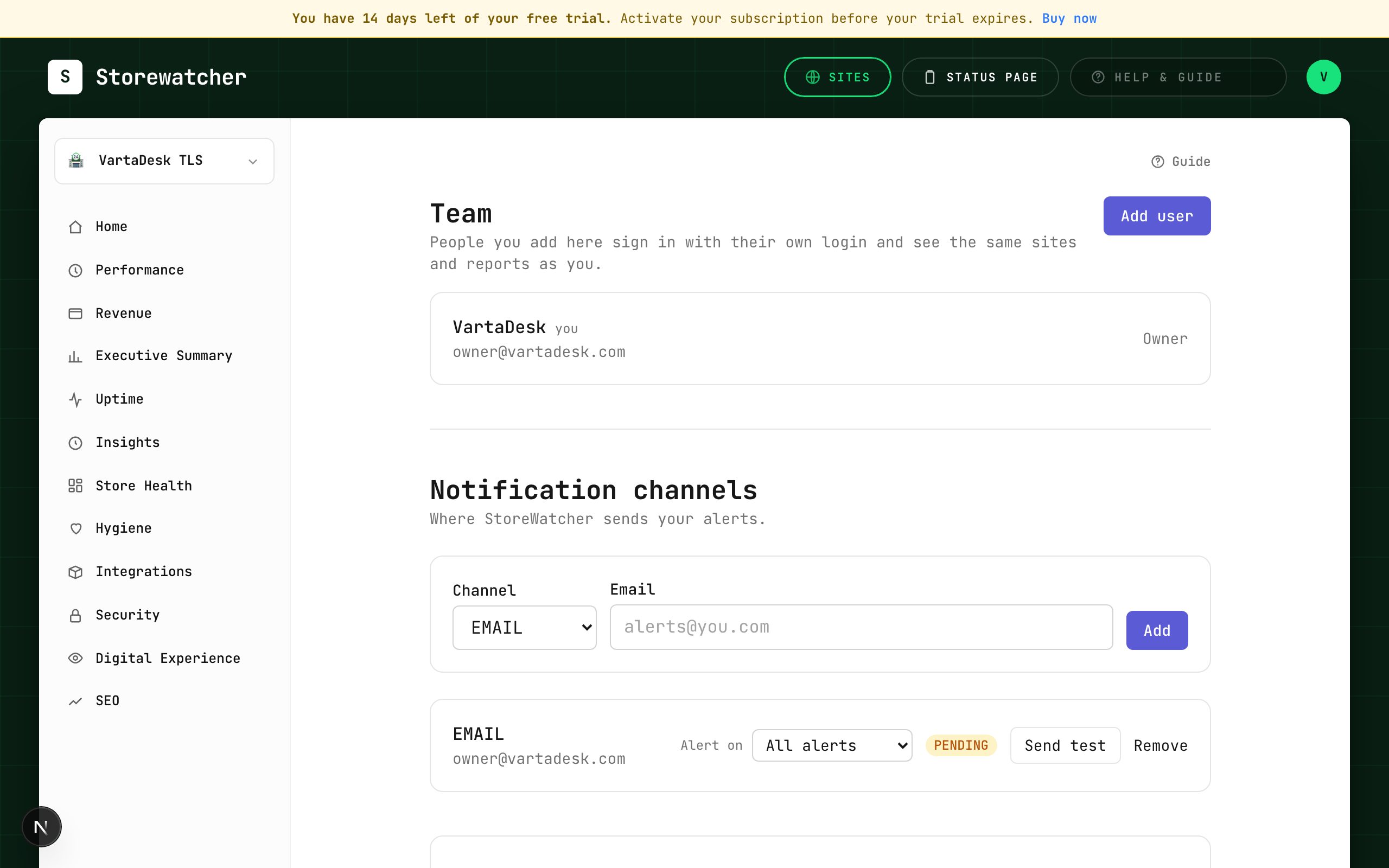
Configure alerts
WorkflowEmail, Slack, SMS, WhatsApp, webhook, PagerDuty, plus a severity floor.
Synthetic browser checks
SectionOptional real-browser load of the storefront, off until you turn it on.
Getting started
Connect a store, add the first check, and know what each setup path does.
First-time setup
WorkflowFrom a new account to a store that is actually sending data.
Connect a store
WorkflowChoose a platform and complete the matching wizard.
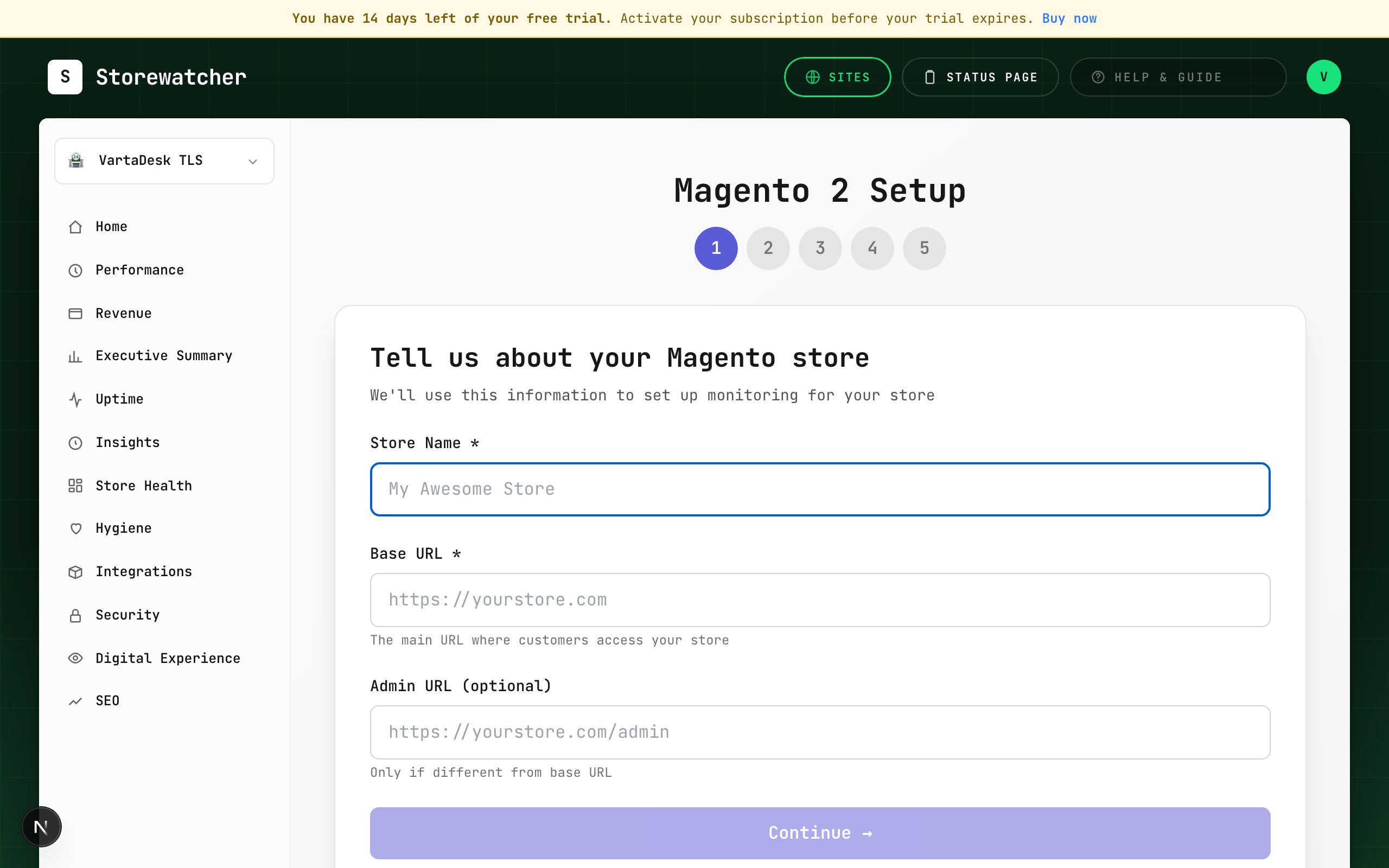
Connect Magento 2
WorkflowCreate the store record, install the extension, paste the API key, wait for sync.
Connect WordPress / WooCommerce
WorkflowOptional REST keys, then install the plugin so the store can push.
Connect Shopify
WorkflowAuthorize the shop, then confirm webhooks.
Connect BigCommerce
WorkflowAPI credentials, then confirm the storefront URL is being probed.
Add an uptime monitor
WorkflowProbe a URL on a schedule, independent of the store plugin.
Switch sites
WorkflowThe sidebar switcher scopes Home, Performance, and store dashboards.
When a page asks for the module
SectionModuleGate pages stay empty until the store plugin has synced.
Integrations
SectionAdd, test, reset, or remove store connections and uptime sites.
Dashboards
What every sidebar section is for, and when it needs a store module.
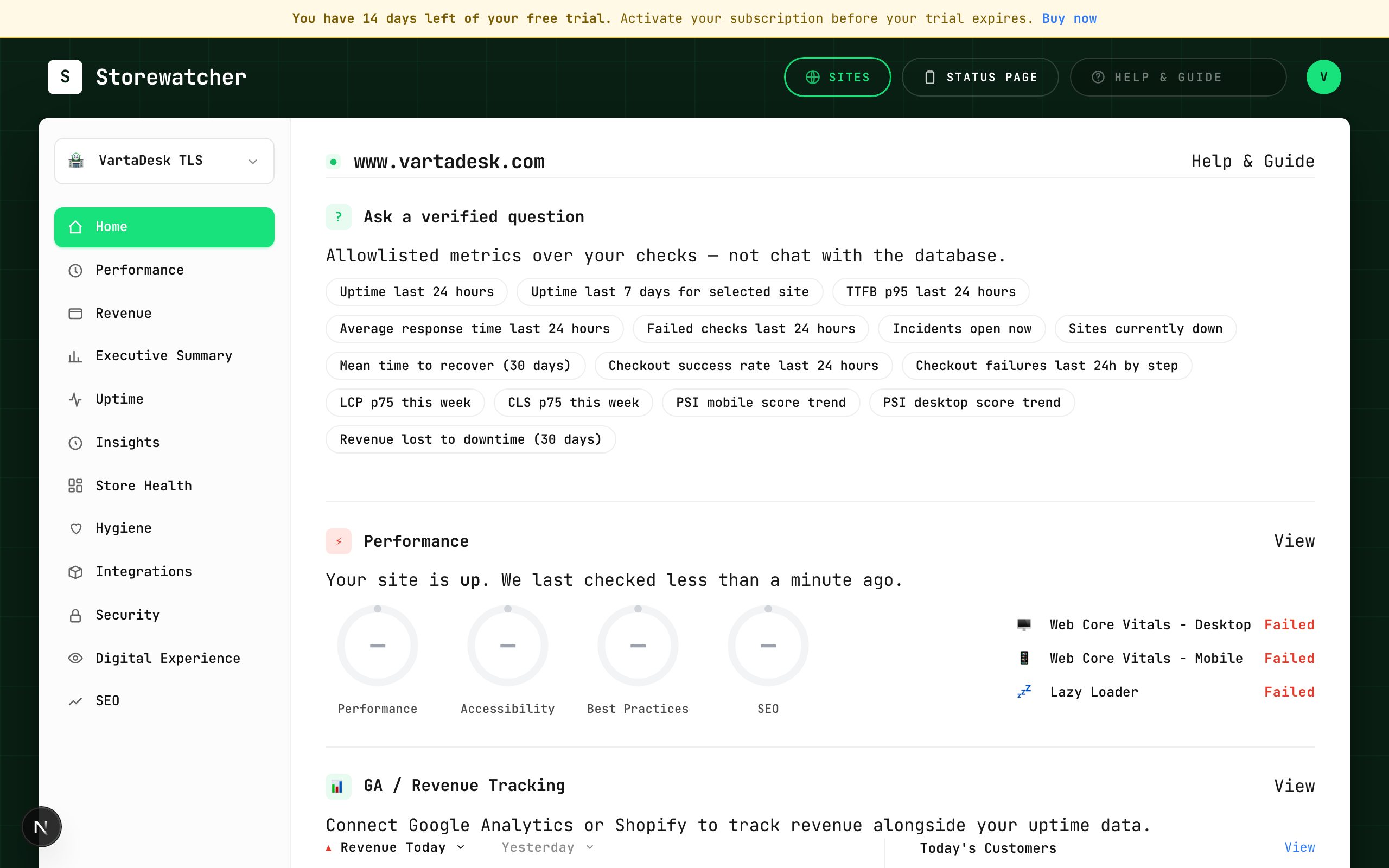
Home
SectionSnapshot of the selected site: vitals, uptime, revenue, integrations, security.
Verified questions
SectionCanned, tenant-scoped metric questions on Home.
Performance (PageSpeed)
SectionLighthouse scores and Core Web Vitals for web monitors.
Revenue
SectionStore orders plus estimated loss from downtime.
Executive Summary
SectionPeriod uptime, incidents, MTTR/MTTA, SLA, and ROI.
Uptime
SectionAll probes, connected stores, pause and delete.
Hygiene
SectionBroken links, missing images, dummy text, and similar store-side checks.
Security
SectionPlugin findings plus optional StoreWatcher scanners (SSL, mixed content, malware).
Digital Experience (RUM)
SectionReal-user LCP, FID, and CLS from a snippet on the storefront.
SEO
SectionPlugin site-wide counts plus an optional crawler pass.
Connected store
Extension health, catalog, checkout tests, and host metrics from the plugin.
Store Health
SectionCPU, RAM, disk, DB, and render time from the store self-check.
How origin health works by platform
WorkflowWhat CPU, RAM, disk, and load mean — and which stores can send them.
Install the RUM snippet
WorkflowCreate a RUM site and add the script to the storefront.
Connected store sections
SectionThe submenu under Uptime when a store is selected.
Extension Health
SectionLast sync, extension version, and whether push is alive.
Product Monitoring
SectionSample a large catalog instead of checking every SKU every minute.
Transaction Monitoring
SectionPlaywright checkout (and similar) flows on a schedule.
Create a checkout test
WorkflowAdd a Playwright flow so a broken cart is caught before shoppers.
Checkout check (Woo vs Magento)
WorkflowCatch a broken cart on the same ~5-minute loop as uptime, with separate recipes per platform.
Incidents & communications
Alerts, insights, incidents, status pages, and human-gated AI drafts.
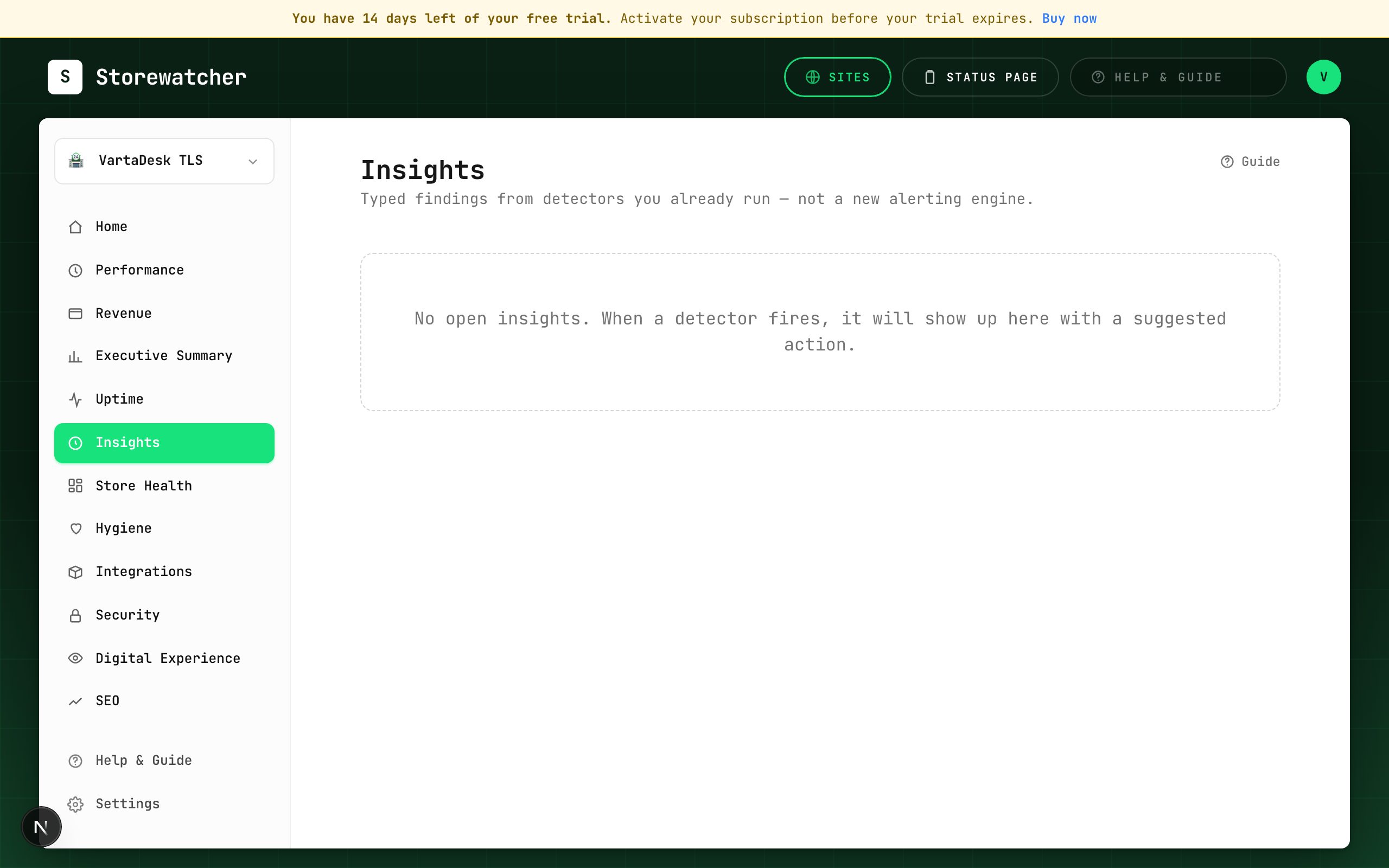
Insights
SectionTyped findings from detectors you already run — not a second alerting product.
Incidents
SectionLifecycle for confirmed outages: open, acknowledge, resolve, notes.
Respond to an incident
WorkflowFrom alert to ack, diagnosis, optional RCA draft, and resolve.
Generate an RCA draft
WorkflowHuman-gated write-up from check evidence. Never auto-acks or resolves.
Status pages
SectionPublic health pages tied to monitors you choose.
Publish a status update
WorkflowOptional AI draft, then a human publishes.
Configure alerts
WorkflowEmail, Slack, SMS, WhatsApp, webhook, PagerDuty, plus a severity floor.
Alert history
SectionProof of every email, SMS, Slack, and other alert we attempted for this account.
Insight kinds
SectionTurn catalog types on or off for this organization.
Account, plans & support
Team seats, billing, settings, and how to reach us.
Settings
SectionAlerts, origin health, checkout, planned work, team, and advanced detectors.
AI drafts (BYOK)
SectionOptional provider key for RCA and status copy. Humans still publish.
Anomaly thresholds
SectionHow far from this store’s baseline before a detector fires.
Self-check thresholds
SectionWarn and down lines for CPU, RAM, disk, DB, render, and load (× cores).
Synthetic browser checks
SectionOptional real-browser load of the storefront, off until you turn it on.
Maintenance windows
SectionSilence alerts while you deploy.
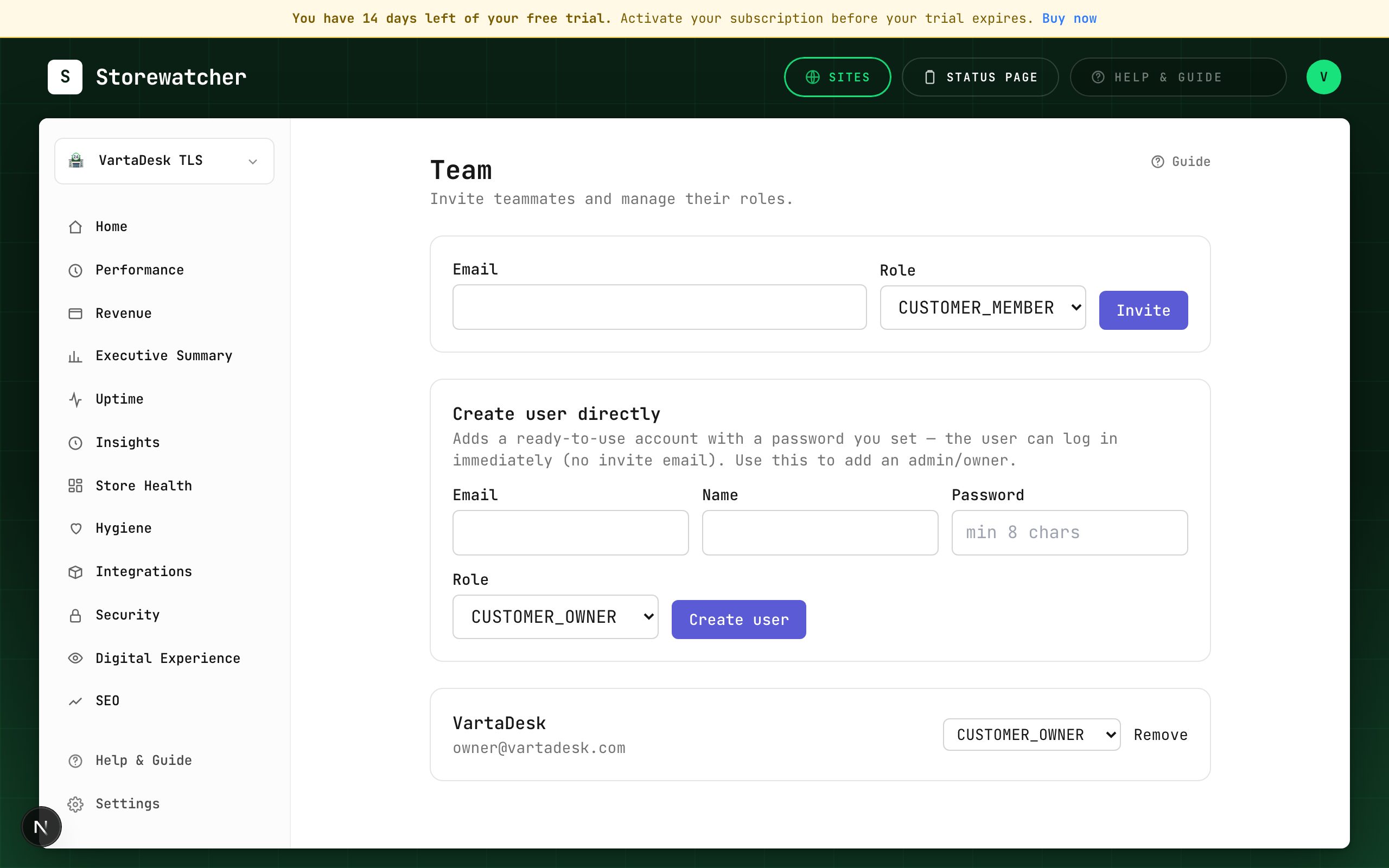
Team
SectionInvite members or create users, within the plan’s seat cap.
Invite a teammate
WorkflowAdd a seat without sharing the owner password.
Billing
SectionSee the current plan and start a PayPal checkout to upgrade.
What each plan includes
SectionGovernors for monitors, PageSpeed, RUM, checkout, insights, and AI.
Support tickets
SectionOpen a ticket when the guide does not unblock you.
Open a support ticket
WorkflowEscalate after you have tried the matching guide article.
Platform Admin
SectionStaff console for every customer, site, plan, and user — plus view-as-tenant.
Cannot find it? Open a support ticket.