Help & Guide/Incidents & communications
Incidents
Open in appLifecycle for confirmed outages: open, acknowledge, resolve, notes.
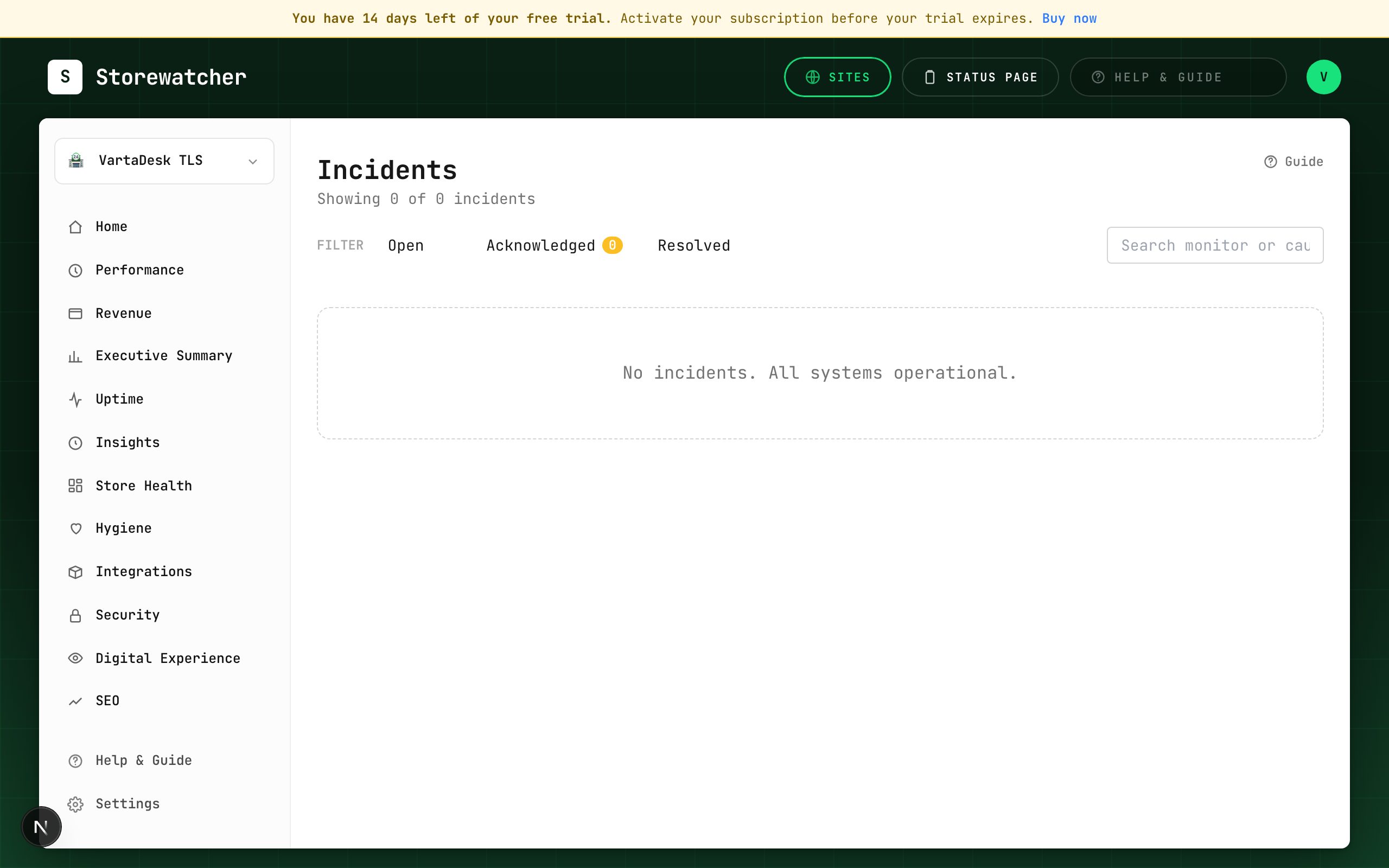
Incidents live in the sidebar under Respond. Filter Open / Acknowledged / Resolved. Each row shows the monitor, cause, severity (advisory vs outage), and start time. The list refreshes live when a plugin self-check or probe opens or resolves an incident.
Acknowledge means someone is on it. Resolve closes it. Neither is done by the AI compiler — only people (or your own API calls).
Related
- Respond to an incidentFrom alert to ack, diagnosis, optional RCA draft, and resolve.
- Generate an RCA draftHuman-gated write-up from check evidence. Never auto-acks or resolves.
- Configure alertsEmail, Slack, SMS, WhatsApp, webhook, PagerDuty, plus a severity floor.
Still stuck? Open a support ticket.