Help & Guide/Incidents & communications
Status pages
Open in appPublic health pages tied to monitors you choose.
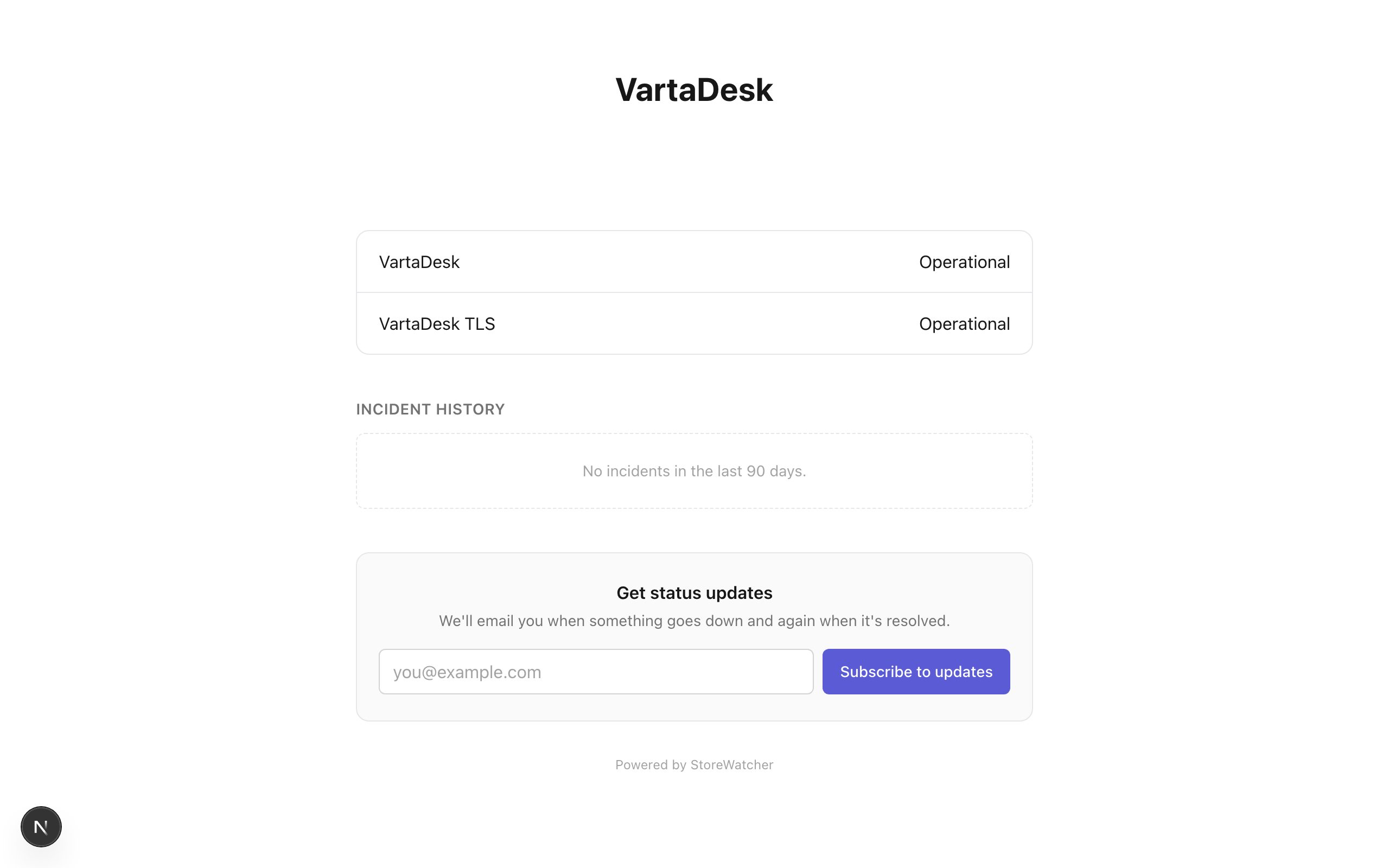
Header → Status Page. Create a name and slug, tick the monitors to show. The public URL is /status/{slug}. Customers do not need an account.
Monitors are stored as a join table, not a hidden JSON list. Removing a monitor from the page does not delete the monitor.
Related
- Publish a status updateOptional AI draft, then a human publishes.
- UptimeAll probes, connected stores, pause and delete.
Still stuck? Open a support ticket.