Help & Guide/Dashboards
Uptime
Open in appAll probes, connected stores, pause and delete.
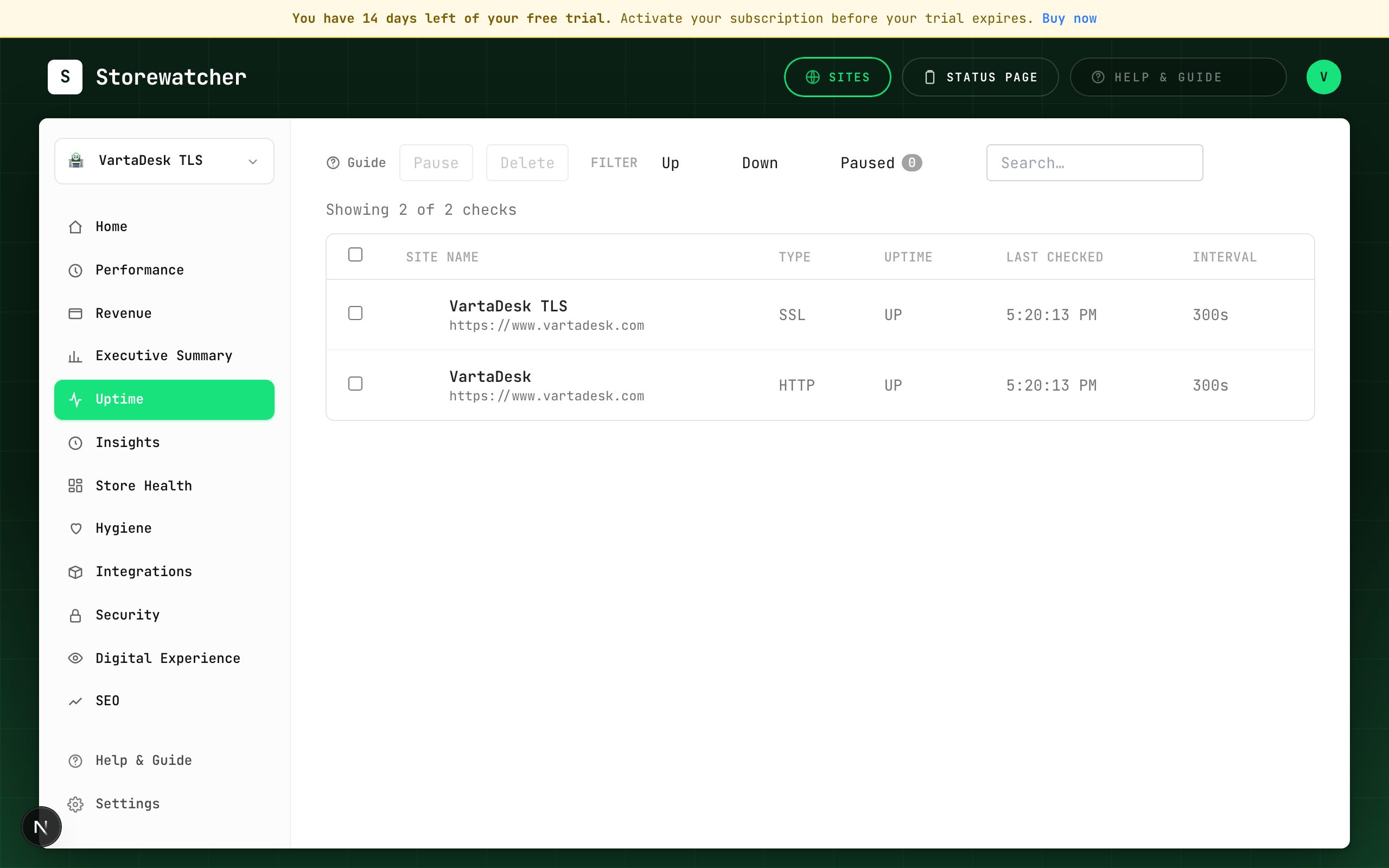
Uptime is the check list: status, last result, interval. Filter Up / Down / Paused. Select rows to pause or delete in bulk. Create monitor adds a new probe.
Connecting Magento, WooCommerce, Shopify, or BigCommerce also creates an HTTP monitor for the store URL, so you do not have to add that probe by hand.
The Origin health strip on this page (and on Home) shows the latest CPU, RAM, disk, and load from the store module. Shopify and BigCommerce explain that those metrics do not exist on a hosted platform.
Connected stores appear here as well. Selecting a store in the switcher expands store sections under Uptime: Overview, Extension Health, Security Monitoring, Product Monitoring, Transaction Monitoring, Revenue Analytics, Real User Monitoring.
Related
- Add an uptime monitorProbe a URL on a schedule, independent of the store plugin.
- Connected store sectionsThe submenu under Uptime when a store is selected.
- Respond to an incidentFrom alert to ack, diagnosis, optional RCA draft, and resolve.
- How origin health works by platformWhat CPU, RAM, disk, and load mean — and which stores can send them.
- Synthetic browser checksOptional real-browser load of the storefront, off until you turn it on.
Still stuck? Open a support ticket.