Help & Guide/Incidents & communications
Publish a status update
Open in appOptional AI draft, then a human publishes.
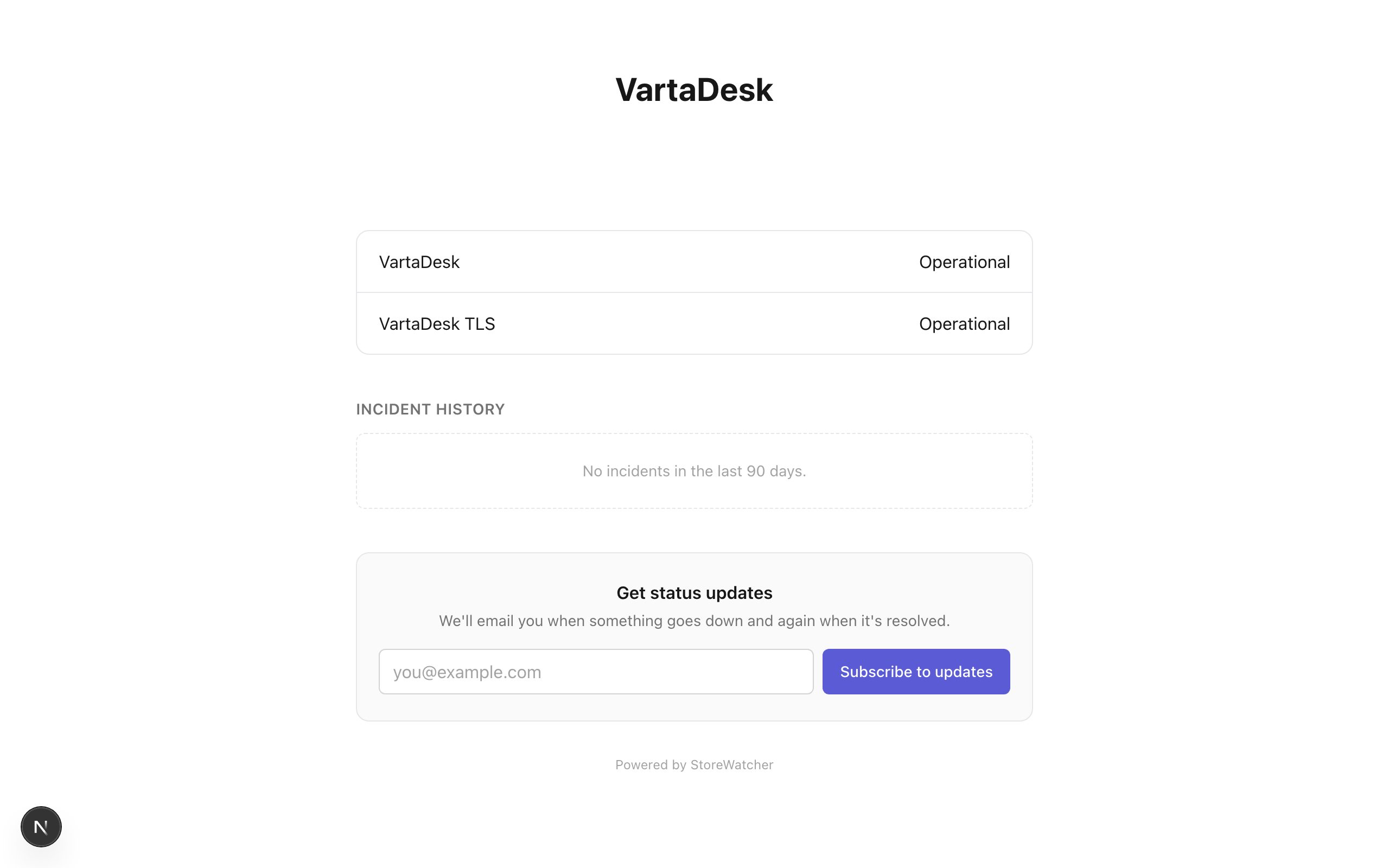
- 1Create the status page and attach the monitors customers care about.
- 2During an incident, use Suggest draft on that page if you want a headline/body suggestion.
- 3Edit the text. Publish only when a person is ready for it to be public. Drafts stay unpublished until then.
Same trust rules as RCA: untrusted wrap, allowlisted public fields, no silent publish. If AI is not configured, you still type the update yourself.
Related
- Status pagesPublic health pages tied to monitors you choose.
- AI drafts (BYOK)Optional provider key for RCA and status copy. Humans still publish.
- Respond to an incidentFrom alert to ack, diagnosis, optional RCA draft, and resolve.
Still stuck? Open a support ticket.