Help & Guide/Getting started
First-time setup
Open in appFrom a new account to a store that is actually sending data.
- 1Create an account. A trial without a paid subscription is treated as Starter.
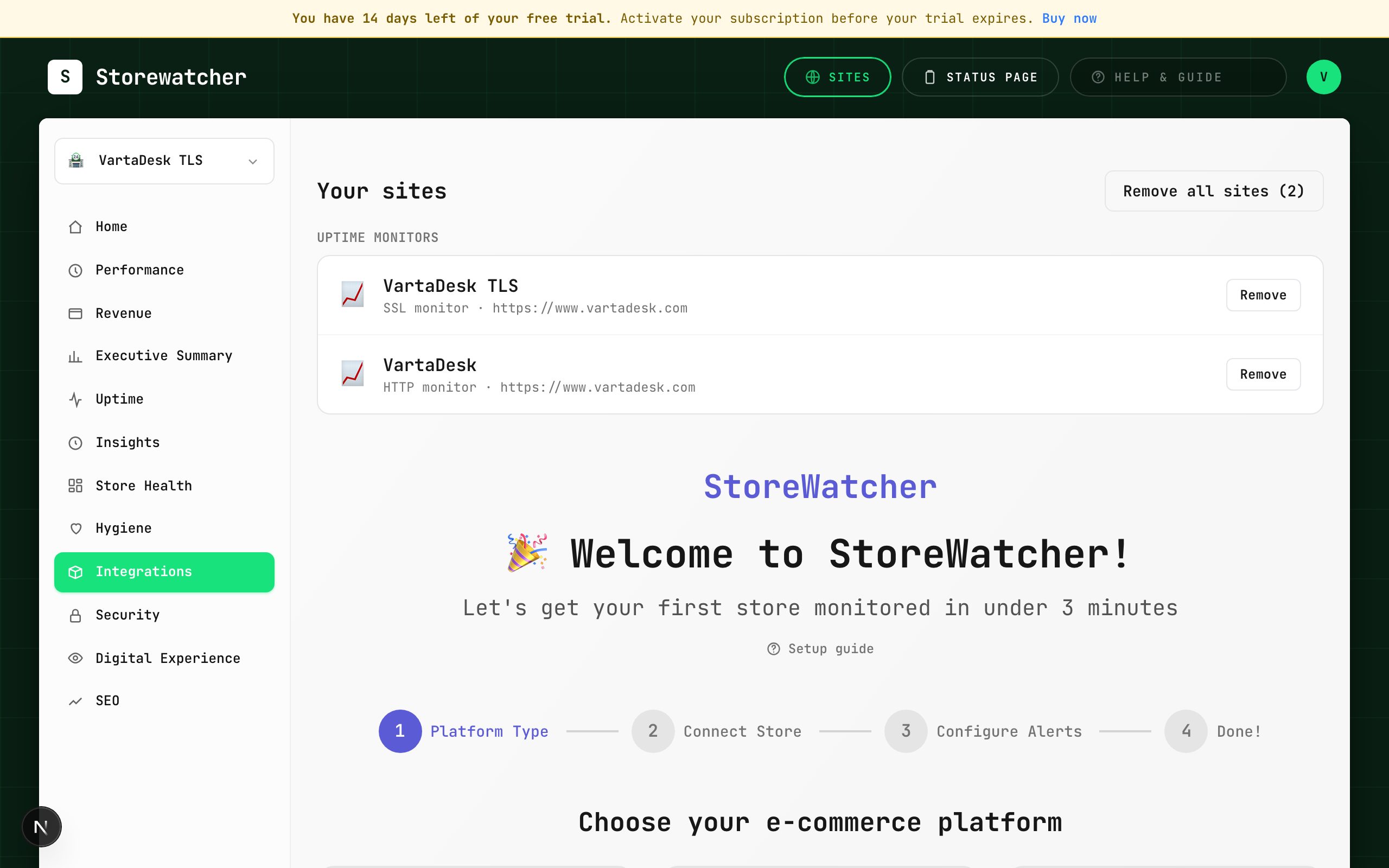
- 2Open Integrations and pick Magento 2, WordPress / WooCommerce, or Shopify.
- 3Finish that platform’s wizard, including the store-side extension or plugin.
- 4Wait for the first sync (about every 5 minutes). The site switcher should show a connected store, not an HTTP-only monitor.
- 5Add at least one notification channel under Settings so outages can reach you.
- 6Open Home. Availability, site vitals, and PageSpeed rings fill in after checks exist. Guide is in the left nav when you need it.
StoreWatcher has two kinds of “sites.” An uptime monitor is a URL we probe from the outside. A connected store is Magento, WooCommerce, or Shopify talking to us through a module or OAuth. Hygiene, Store Health, Security scans from the plugin, Revenue, and RUM all require a store that has synced at least once. If you only add an HTTP monitor, those pages will ask you to install the module.
Use the site switcher at the top of the sidebar to pick which store you are looking at. Most dashboards follow that selection.
Related
- Connect a storeChoose a platform and complete the matching wizard.
- Add an uptime monitorProbe a URL on a schedule, independent of the store plugin.
- Configure alertsEmail, Slack, SMS, WhatsApp, webhook, PagerDuty, plus a severity floor.
- What each plan includesGovernors for monitors, PageSpeed, RUM, checkout, insights, and AI.
Still stuck? Open a support ticket.